
Manage Your Menu One menu every channel reads.
Change a price once and it moves on the phone agent, the QR table, the online storefront and the register at the same moment.
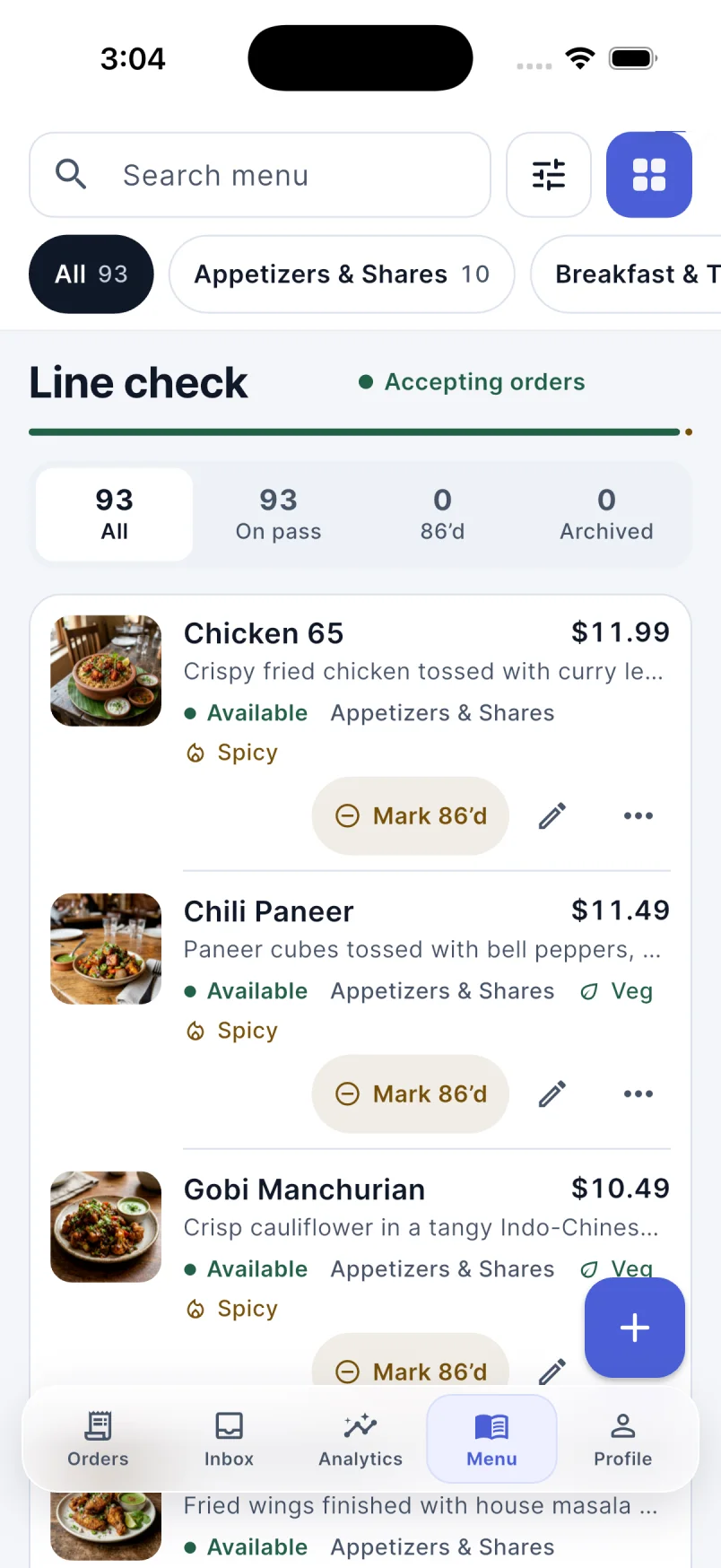
What’s included
Keep the menu your guests see aligned with what your team can serve.
Structure
- Modifier groups with required and optional choices
- Size presets and combo builds
- Per-item availability toggled in a tap
- Daily specials that expire on their own
Editing it
- An AI menu assistant you talk to in plain language
- Every proposed change reviewable before it applies
- Accept some changes and discard the rest
How guests say it
- Spoken-name aliases you approve, not guess
- Regional and cuisine vocabulary understood by the agent
- Mishearings surfaced from real calls as suggested aliases
Keeping it healthy
- Menu health checks for gaps and duplicates
- Item name audit for inconsistent naming
- Hero dishes promoted across the guest surfaces
- Photography resolved per item with a shared fallback library
Step 3 of 6in one order’s life
The kitchen gets the details.
Tickets print for the right station and show on the kitchen board with spice levels and changes. The menu and stock stay in step with what you can actually serve.
Follow the whole orderSee it on your menu
See RestCall on your menu.
Book a demo and we’ll walk you through how RestCall would take phone orders for your restaurant.